Crosswind Confessions: Diagnosing the Hidden Forces That Ruin Your Touchdown
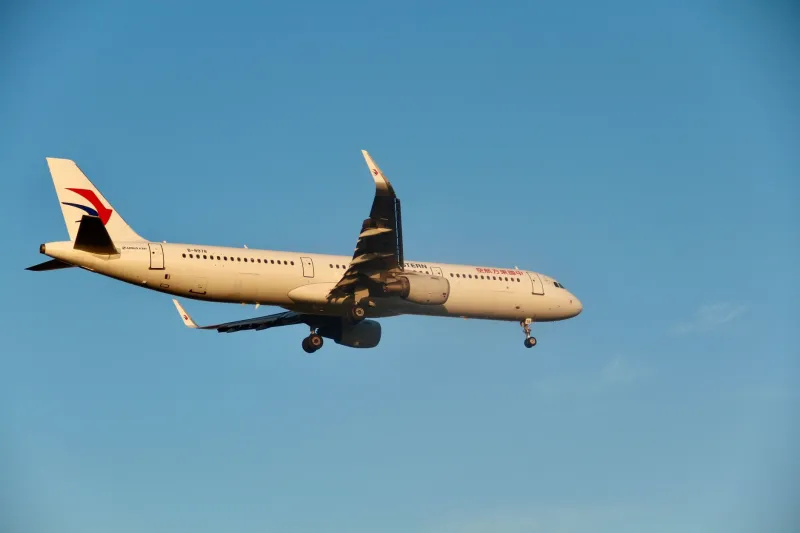
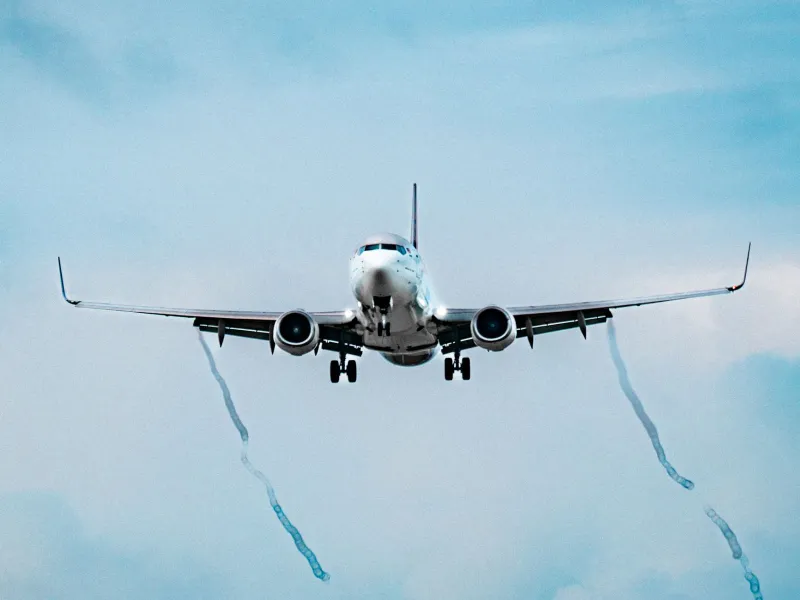
There is a particular frustration familiar to virtually every flight simulation enthusiast: you brief the approach meticulously, dial in the correct crab angle, stabilize on final, and still find yourself drifting toward the runway edge at the moment of touchdown. The temptation is to blame the simulator's physics engine or an imprecise joystick input. More often than not, however, the culprit is a misunderstanding of the layered atmospheric forces shaping your approach corridor. This article takes a systematic look at those forces — and offers a structured methodology for diagnosing and correcting the most common crosswind errors.
Understanding the Wind Report Is Not Enough
Most pilots in flight simulation rely on the ATIS or METAR wind report as their primary atmospheric reference. That data point — say, 270 at 15 knots — is accurate for the observation height at the reporting station, but it tells an incomplete story. Surface wind readings are typically recorded at 10 meters above ground level. By the time you are on a three-degree glidepath at 500 feet AGL, the wind affecting your aircraft may differ substantially in both direction and velocity.
This divergence is attributable to the atmospheric boundary layer, the zone of air closest to Earth's surface where friction with terrain, structures, and vegetation creates turbulence and directional variation. In real-world aviation, meteorologists quantify this phenomenon using wind shear reports and pilot reports (PIREPs). Within advanced flight simulation environments — particularly those utilizing real-time weather injection tools such as ActiveSky or the live weather systems integrated into modern platforms — this boundary layer behavior is modeled with increasing fidelity. Learning to interpret what those tools are actually simulating is the first step toward more consistent crosswind performance.
The Geometry of Runway Orientation
Runway heading interacts with prevailing wind patterns in ways that are easy to overlook. Consider the layout of a major hub like Chicago O'Hare (KORD) or Dallas/Fort Worth (KDFW): multiple runway headings exist precisely because wind rarely cooperates with a single orientation. When you select a runway in the simulator, you are implicitly accepting a crosswind component based on the angular difference between that runway's magnetic heading and the reported wind direction.
The crosswind component formula — wind speed multiplied by the sine of the angular difference — is foundational, but pilots often apply it only once during preflight planning. In reality, wind direction shifts throughout the approach, particularly over complex terrain or near large structures. A runway bordered by terminal buildings on one side, as is common at many US airports, can create a localized pressure gradient that deflects the surface wind by 20 to 30 degrees relative to what the ATIS is reporting.
In your simulator, take time to observe the windsock or PAPI lighting behavior as you descend through the final approach fix. These visual cues represent the wind environment at or near the surface, and they may tell a different story than your briefed figures.
Wind Shear Layers and the Crab Angle Trap
Wind shear — the change in wind speed or direction over a relatively short vertical distance — is responsible for a substantial portion of unexpected crosswind behavior during the final 200 feet of an approach. A classic scenario unfolds as follows: you establish a crab angle that perfectly compensates for a 20-knot crosswind at 300 feet AGL. As you descend through 100 feet, the wind diminishes to 8 knots due to surface friction. The crab angle you maintained is now excessive, and if you do not transition your technique accordingly, the aircraft's nose will point well into the wind at touchdown, creating a lateral drift in the opposite direction of what you anticipated.
This is sometimes called the "decrab problem," and it is particularly pronounced in narrow-body jets with low ground clearance. The solution is not simply to kick the rudder harder at the threshold — it is to anticipate the shear layer by cross-referencing wind reports at multiple altitudes when available, and by developing tactile sensitivity to the subtle attitude changes the aircraft telegraphs as it enters the boundary layer.
Aircraft Configuration and Its Role in Crosswind Susceptibility
Not all aircraft respond identically to a given crosswind component, and the configuration you select during approach significantly influences handling. Flap setting is a primary variable. Maximum flap deflection increases lift but also raises drag and reduces aileron authority in some aircraft types. At higher crosswind values, many airline procedures specify a reduced flap setting — commonly Flaps 30 instead of Flaps 40 — to retain lateral control authority. If you are flying a Boeing or Airbus type in the simulator and experiencing consistent drift problems, verify that your configuration aligns with the crosswind limitation guidelines published in the type's operating manual or the simulation aircraft's documentation.
Center of gravity also plays a role. A forward CG improves pitch stability but can reduce rudder effectiveness slightly. An aft CG configuration makes the aircraft more pitch-sensitive, which can complicate the flare in gusty conditions. Simulation platforms that model weight and balance with precision reward pilots who take the time to load the aircraft realistically before departure.
Practical Drills for Building Crosswind Intuition
Diagnosis without practice produces limited improvement. The following structured drills are designed to build the kind of crosswind intuition that eventually becomes reflexive.
Drill 1 — The Static Observation Pass: Set up a crosswind scenario at a familiar airport, but rather than landing, fly a low pass at 50 feet AGL and observe how much rudder and aileron input is required to maintain runway centerline. Note the inputs, then go around and attempt the landing. Repeat until the required inputs feel anticipated rather than reactive.
Drill 2 — Shear Layer Mapping: Using a simulator with altitude-variable wind modeling, set up a wind profile that changes direction between 1,000 feet and the surface. Fly the approach multiple times, logging the altitude at which you notice the aircraft's tendency to drift. This builds awareness of where the shear layer sits in a given scenario.
Drill 3 — Configuration Comparison: Fly identical crosswind approaches in the same aircraft at two different flap settings. Document the differences in lateral control feel and touchdown drift. This exercise underscores why configuration choice is not merely a performance calculation — it is a crosswind management decision.
Bringing It All Together at the Gate
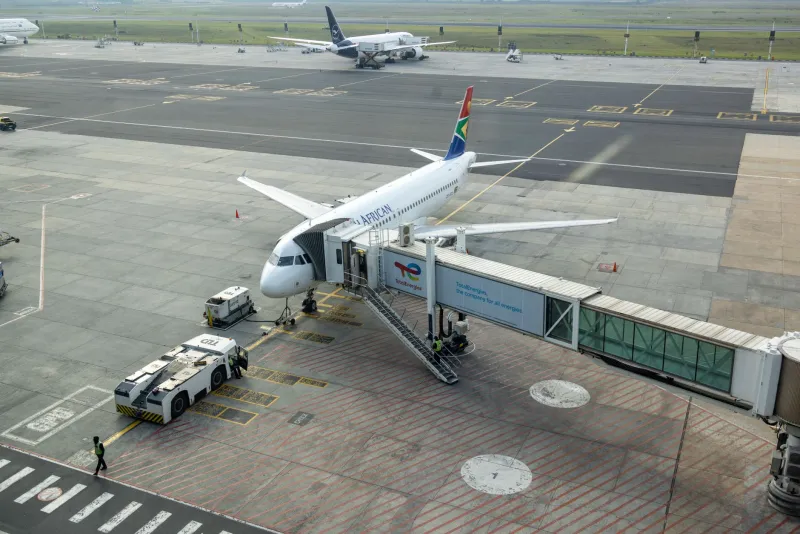
At VDG SimDock, precision matters from the moment you receive your clearance to the moment your nose wheel touches down and you begin the rollout toward your assigned gate. A crosswind approach that goes wrong does not merely affect your landing grade — it disrupts the entire sequence of operations that follows. A hard or off-center touchdown can, in high-fidelity simulations, trigger tire or gear stress flags that affect subsequent ground operations.
The goal is not to eliminate crosswind difficulty — that challenge is part of what makes flight simulation genuinely rewarding. The goal is to replace guesswork with a systematic understanding of the forces at work. When you know why your touchdown drifted, you are already most of the way toward correcting it.