Tug Gone Rogue: A Systematic Troubleshooting Guide to Pushback Failures in Flight Simulation
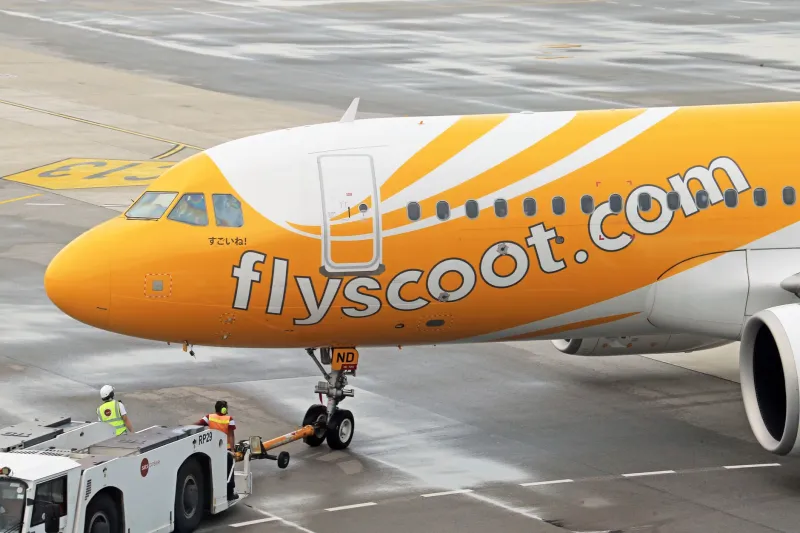
There is a particular brand of helplessness that every serious simmer eventually encounters: the aircraft is fully loaded, the clearance is received, and then — without warning — the ground service vehicle pivots at an impossible angle and drives your nose gear directly into the terminal. The gate that you spent hours perfecting suddenly becomes the scene of a catastrophic phantom collision. At VDG SimDock, we hear about this scenario constantly, and the causes are almost always traceable to a predictable set of physics engine quirks and avoidable operator errors.
This guide breaks down why pushback failures happen, what real-world tug behavior looks like by comparison, and the step-by-step corrections you can apply across the most widely used simulation platforms.
Understanding the Real-World Pushback Envelope
Before diagnosing a simulation problem, it helps to understand what a correctly executed pushback actually looks like on the ramp. In real operations, the tug driver and the flight crew work within a tightly defined spatial envelope. The tug's maximum articulation angle relative to the towbar — commonly called the jackknife limit — is typically between 55 and 70 degrees depending on the aircraft type and tug model. Exceed that angle and the towbar shear pin is designed to fail, protecting the nose gear from structural damage.
Real ground crews also rely on a wingwalker system. Two agents — one on each wingtip — maintain visual clearance from obstacles and communicate via headset with the tug driver. The entire operation is choreographed, not improvised. When simulation AI skips this coordination layer entirely, it loses the spatial awareness that prevents collisions.
Why AI Tugs Jackknife: The Physics Engine Problem
Most popular simulation platforms model the tug-to-aircraft connection as a rigid joint or a simplified pivot point. The issue is that many physics engines do not accurately calculate the combined center of mass when a heavy aircraft begins resisting the tug's pull during a turn. In the real world, inertia causes the aircraft to arc predictably outward. In simulation, that inertia is frequently underweighted or applied inconsistently, which causes the AI driver to overcorrect.
The overcorrection loop is the core villain here. The AI detects that the aircraft is not tracking its programmed arc, applies a sharper steering input, which further destabilizes the towbar angle, which triggers another correction — and within seconds the tug is perpendicular to the aircraft's centerline. At that point, the simulation either clips through geometry or registers a collision with whatever structure is nearby.
A secondary contributor is ground surface modeling. Taxiway and ramp surfaces in many add-on airports are not perfectly flat at the mesh level. Micro-elevation changes can cause the tug's physics object to momentarily lose traction, which the AI interprets as a slip event and responds to with aggressive steering.
Operator Mistakes That Compound the Problem
Physics engine limitations aside, many pushback disasters are self-inflicted. The following operator errors appear repeatedly in community troubleshooting threads.
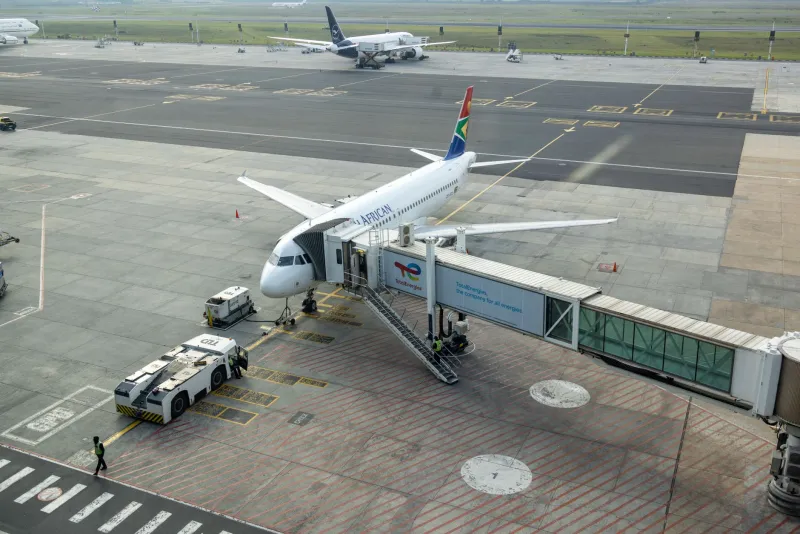
Incorrect parking position at the gate. If the aircraft nose is not precisely on the painted centerline when the pushback begins, the AI tug starts its arc from an offset origin point. Even a two-degree misalignment can translate into a four- to six-foot lateral error by the time the aircraft reaches the taxiway, which is often enough to clip a terminal jetway or adjacent gate structure.
Pushback direction not specified. Many platforms default to a rearward pushback without accounting for which taxiway the aircraft needs to face upon completion. Operators who do not manually specify the pushback heading — or who rely on auto-completion — frequently end up with the aircraft pointed 90 degrees off the intended departure path, forcing the AI to execute a secondary correction arc.
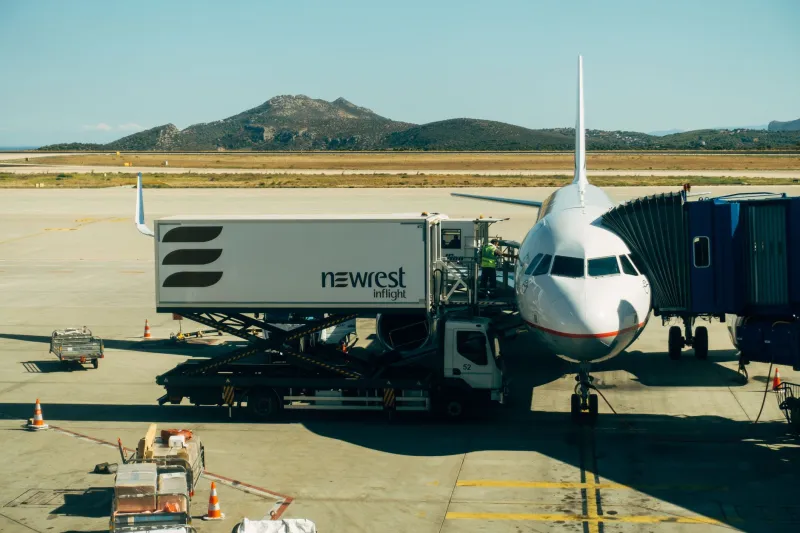
Ground service equipment conflicts. Fuel trucks, catering vehicles, and belt loaders that have not been dismissed before initiating pushback create collision geometry that the AI tug cannot navigate around. The tug's pathfinding logic, which is often minimal, will attempt to push through the obstruction rather than pause and reroute.
Step-by-Step Fixes to Apply Right Now
The following corrections are applicable across MSFS 2020, X-Plane 12, and Prepar3D environments, though specific menu paths will vary by add-on.
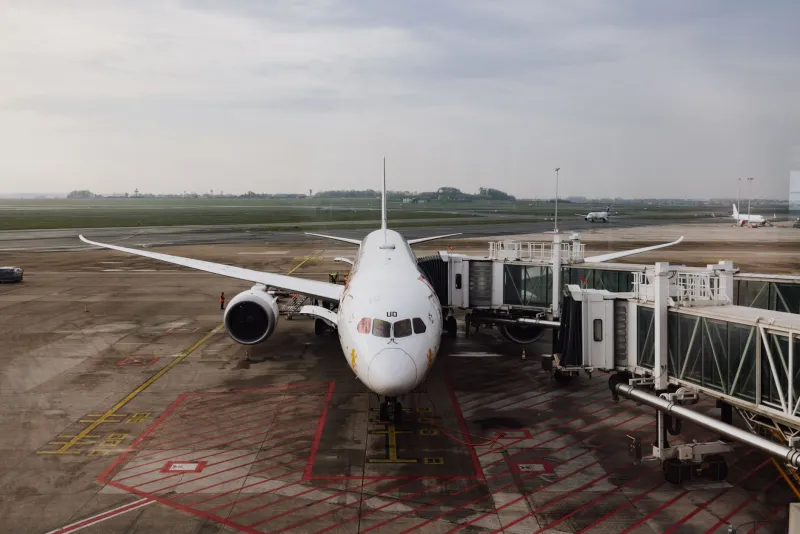
Step 1: Verify centerline alignment before calling for pushback. Use your aircraft's nose wheel camera or an external view to confirm that the nose gear is positioned directly on the gate's centerline marking. If your add-on airport includes VDGS (Visual Docking Guidance System) displays, use them — that is precisely what they are designed for.
Step 2: Dismiss all GSE vehicles before initiating movement. Navigate to your ground services menu and manually release each vehicle category. Do not assume the pushback call will automatically clear the ramp.
Step 3: Specify heading explicitly. In platforms that support it, enter the desired final heading at the end of the pushback. A target heading that aligns with the first taxiway centerline dramatically reduces the AI's need to self-correct mid-maneuver.
Step 4: Reduce pushback speed settings. Several GSE add-ons allow you to adjust tug speed. Slowing the pushback rate by 30 to 40 percent gives the physics engine more calculation cycles per meter of movement, which noticeably reduces overcorrection behavior.
Step 5: Use third-party pushback utilities. Tools such as BetterPushback (available for X-Plane and MSFS) replace the default AI logic with a path-planning system that allows you to draw the exact arc you want before movement begins. This eliminates the guesswork from the AI entirely and is the single most effective upgrade available to simmers who perform gate operations regularly.
When the Problem Is the Airport, Not the Aircraft
Occasionally, the fault lies with the add-on airport itself. Poorly constructed ramp mesh, misaligned gate node data, or incorrect exclusion zones can cause pushback paths to intersect with terminal geometry even when the operator has done everything correctly. If you are experiencing consistent failures at a single airport but not others, download the developer's latest update and check community forums for reported mesh issues. Many reputable US hub mods — particularly those covering high-traffic airports like Chicago O'Hare or Denver International — receive regular geometry patches from their development teams.
Mastering the Departure, Gate to Taxiway
The pushback is the first movement of every flight, and it deserves the same level of attention that simmers routinely give to approach and landing. Understanding the mechanical and algorithmic reasons behind AI tug failures transforms a frustrating mystery into a solvable engineering problem. Apply the corrections outlined here methodically, invest in a dedicated pushback utility, and you will find that controlled, damage-free departures become the rule rather than the exception at every gate in your rotation.