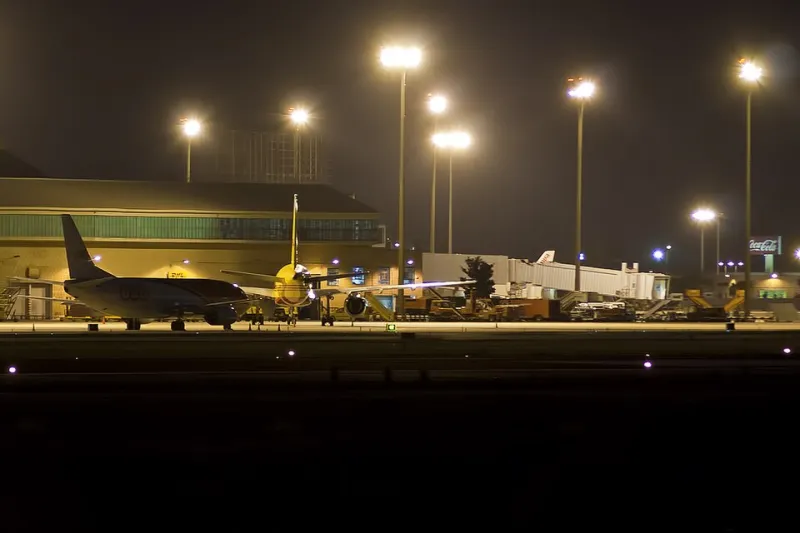
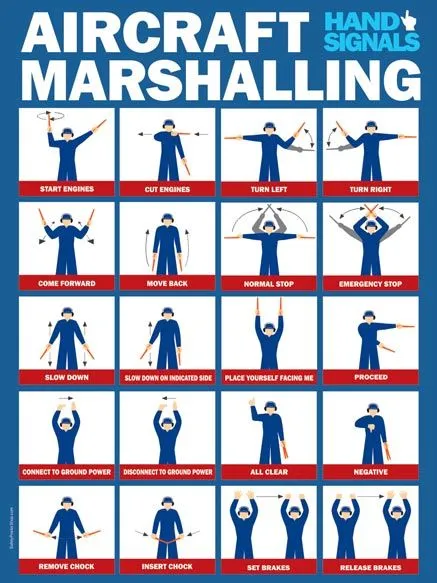
Paint With Authority: A Field Guide to Apron Markings That Issue Instructions
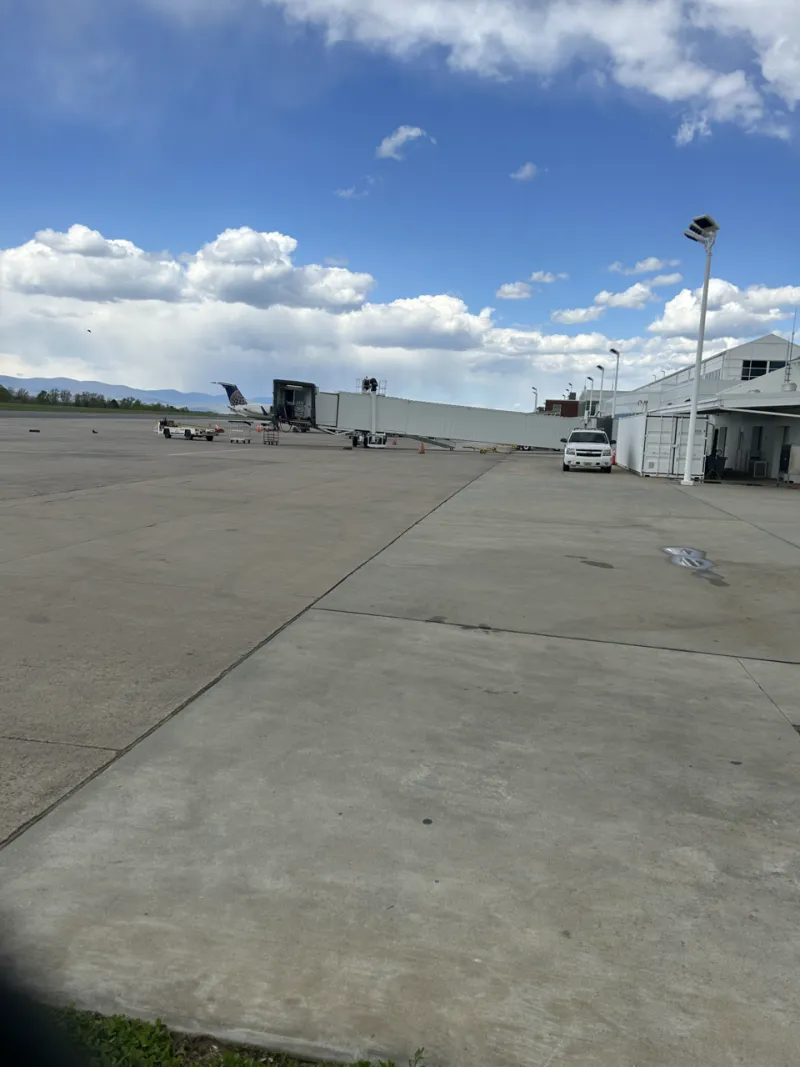
Photo: JuxtaposedJacob, CC0, via Wikimedia Commons
Apron markings are often treated as scenery detail: a few white lines, a stop bar, some hatched boxes, and a smear of old paint. That reading is backwards. On a working apron, paint is procedure made visible. It tells a pilot where to track, a driver where to wait, a marshaller where to stand, and a dispatcher which stand is usable. When scenery paint is wrong, the procedure it encodes is wrong too.
Markings Are Not Decoration
A lead-in line is an instruction. It says: keep the nose wheel on this path until the stop point. A stop bar is an instruction. It says: this is the position the aircraft must reach, and no further. A hatched exclusion zone is an instruction. It says: do not enter; equipment or clearance limits live here. A vehicle road is an instruction. It says: ground traffic belongs here, not across the stand envelope.
Simmers often learn these markings as visual references for parking, but they are better understood as a language. The language has grammar: line weight, color, continuity, and placement all matter. A faded line may be a maintenance issue in the real world. In simulation, it may be a texture error that changes the meaning of the stand.
Lead-In Lines and the Geometry of Trust
Lead-in lines are the most familiar marking and the most easily misread. A correct line guides the aircraft's nose wheel along a curve that keeps the wings, tail, and engines clear of fixed objects. The line's curve is not arbitrary. It reflects the aircraft's turning geometry and the stand's clearance limits. When a scenery file draws a lead-in line that looks plausible but does not match the aircraft type, the error may not appear until the wingtip is inches from a light pole.
US hubs offer useful comparisons. At Atlanta, dense stands and tight alleys make lead-in line accuracy critical. At Denver, long sightlines can make a misaligned line look correct from a distance. At Chicago O'Hare, winter wear and repainting can obscure the original geometry. A simmer who reads the line as a path, rather than a suggestion, is already thinking like a ramp veteran.
Stop Bars, Hatches, and Exclusion Zones
Stop bars mark the precise position where an aircraft should stop. They are often paired with a marshaller's signal, a jetbridge position, or a building reference. In simulation, a stop bar that is misplaced by even a small amount can make a jetbridge unusable or place the aircraft too far forward for ground equipment.
Hatched exclusion zones are equally important. They mark areas where an aircraft or vehicle must not enter. Sometimes they protect a building edge. Sometimes they protect a service road. Sometimes they mark the swept path of a turning aircraft. When scenery omits or misplaces these zones, the apron becomes more permissive than it should be. That permissiveness is not realism; it is a missing constraint.
Vehicle Roads and the Apron's Hidden Traffic Pattern
Vehicle roads are the apron's circulatory system. They tell baggage tractors, fuel trucks, catering vehicles, and tugs where to move without crossing active stand envelopes. Many simulation sessions ignore vehicle roads until a tug or fuel truck path fails. The marking is the warning. If a vehicle road cuts through a stand's clearance area, the scenery is telling you that the operation is unsafe or that the paint is wrong.
A useful audit is to trace a bag cart from the terminal to the aircraft. Does the route follow a marked vehicle road? Does it cross a hatched zone? Does it enter the stand envelope while the aircraft is parked? If the answer is yes to the last two, the paint is telling the wrong story.
Repaint Scars and the Stories They Tell
Real aprons accumulate repaint scars: old lines visible under new paint, patches where markings were moved, and faded zones where equipment once stood. These scars are not noise. They are history. They show how the apron has changed and which procedures have been revised. In simulation, repaint scars can be a useful realism cue, but they can also reveal errors. A line that abruptly changes direction under a patch may indicate that the scenery was assembled from conflicting sources.
Auditing Scenery Paint in VDG SimDock
A practical paint audit has four steps. First, identify the instructions on the stand: lead-in line, stop bar, hatched zones, vehicle roads, and any stand boundary markings. Second, check whether they are continuous and legible from the pilot's eye position. Third, test them against aircraft geometry. Fourth, test them against ground equipment flow. If a marking cannot be read, or cannot be followed without violating another marking, the scenery is not ready for serious operations.
Paint is the cheapest procedure an airport has. It is also one of the most important. Reading apron markings as instructions rather than decoration is a habit that improves every stand entry, every gate change, and every night docking session. The ramp veteran does not look at the paint and see lines. They see the rules.